If you've been creating videos with OpenAI's Sora AI, you've probably noticed the "Made with Sora" watermark that appears on every generated video. While this branding is understandable, it can be problematic when you want to use your AI-generated content for professional projects, social media, or client work.
The good news? You don't need expensive software like Adobe Premiere Pro or complex coding skills to remove Sora watermarks. In this guide, we'll show you how to remove Sora watermarks for free using simple online tools.
Why Remove Sora Watermarks?
Before we dive into the how-to, let's understand why you might want to remove the Sora watermark:
- Professional Presentation: Client projects and commercial work look more polished without AI branding
- Social Media Content: Create cleaner content for YouTube, TikTok, Instagram, and other platforms
- Creative Freedom: Use your AI-generated videos as part of larger projects without visible AI attribution
- Brand Consistency: Maintain your own branding without third-party watermarks
The Problem with Traditional Methods
Many creators try to remove watermarks using:
- Adobe Premiere Pro: Expensive subscription ($22.99/month) and steep learning curve
- Manual Editing: Time-consuming frame-by-frame editing that often leaves blur or artifacts
- Python Scripts: Requires coding knowledge and technical setup
- Desktop Software: Needs downloads, installations, and often comes with malware risks
These methods are either too expensive, too complex, or too risky for most users.
The Free Solution: Online Watermark Removal Tools
The easiest way to remove Sora watermarks is using a free online tool specifically designed for AI video watermark removal. Our Sora Watermark Remover offers the most advanced solution. Here's how it works:
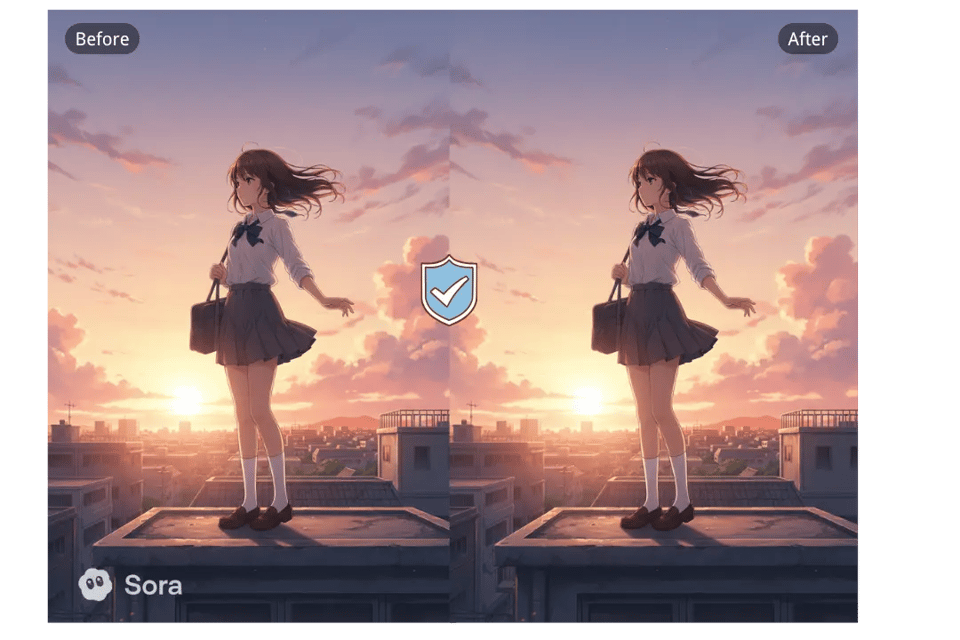
Step 1: Upload Your Sora Video
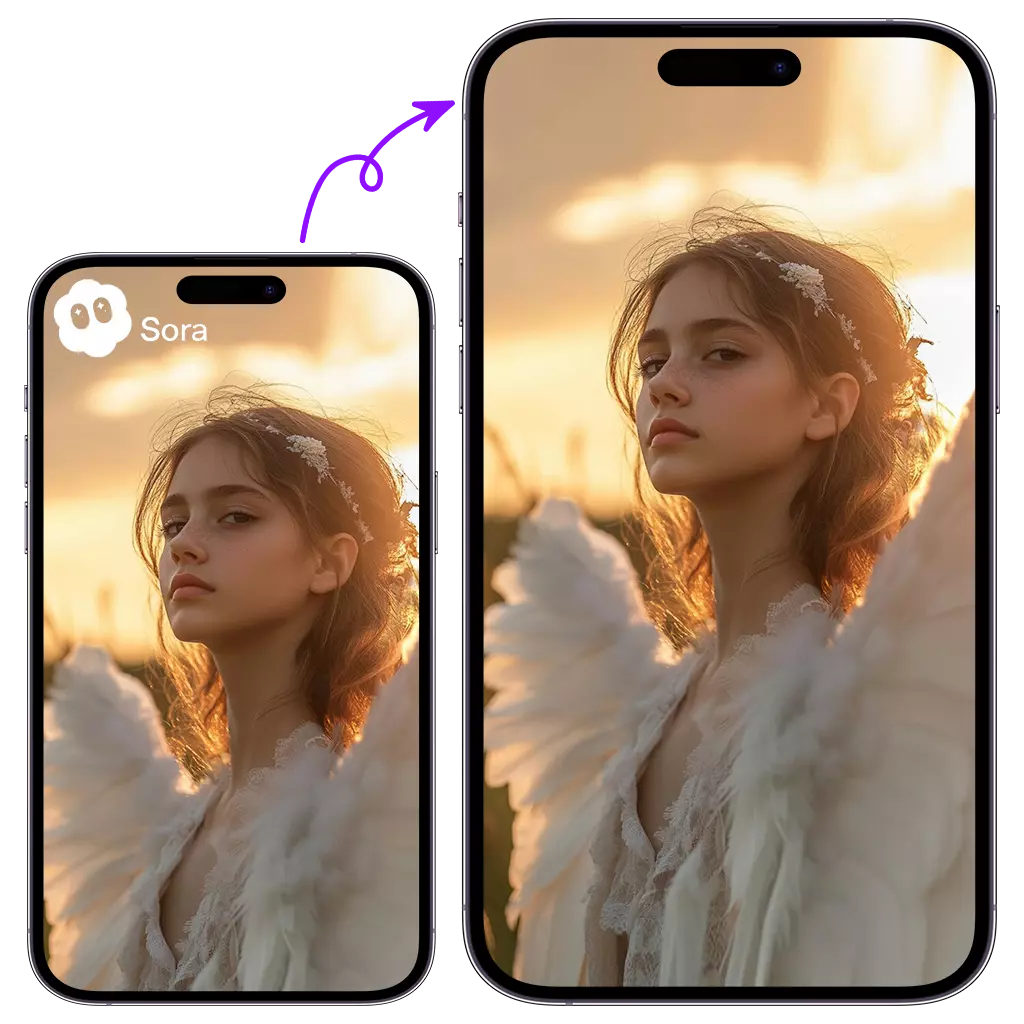
Simply drag and drop your Sora-generated video into the online tool. Most tools support:
- MP4, WebM, AVI, MOV formats
- Videos up to 500MB (free tier)
- Both videos and images
No download or installation required - everything happens in your browser.
Step 2: AI Automatic Detection
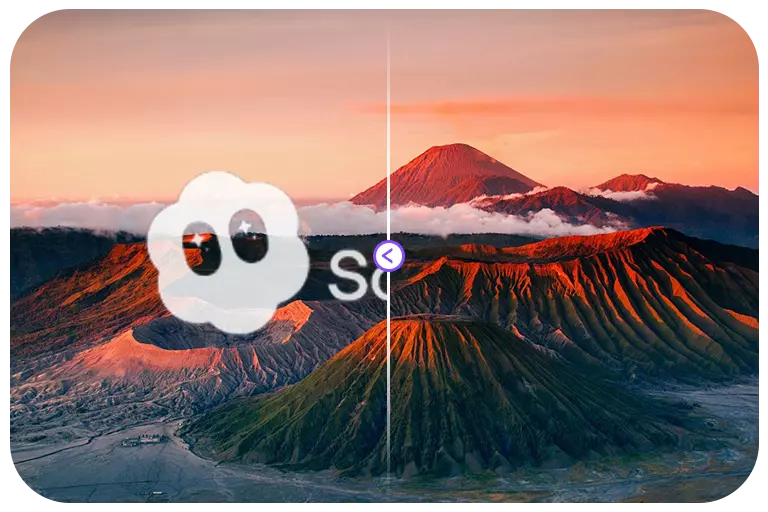
Advanced AI technology automatically:
- Detects the "Made with Sora" watermark location
- Analyzes the surrounding video content
- Prepares the optimal removal strategy
This takes just a few seconds and requires zero manual input from you.
Step 3: Intelligent Watermark Removal
The AI uses state-of-the-art inpainting technology to:
- Remove the watermark completely
- Fill in the background seamlessly
- Preserve video quality without blur or artifacts
- Maintain the original resolution and frame rate
Step 4: Download Your Clean Video
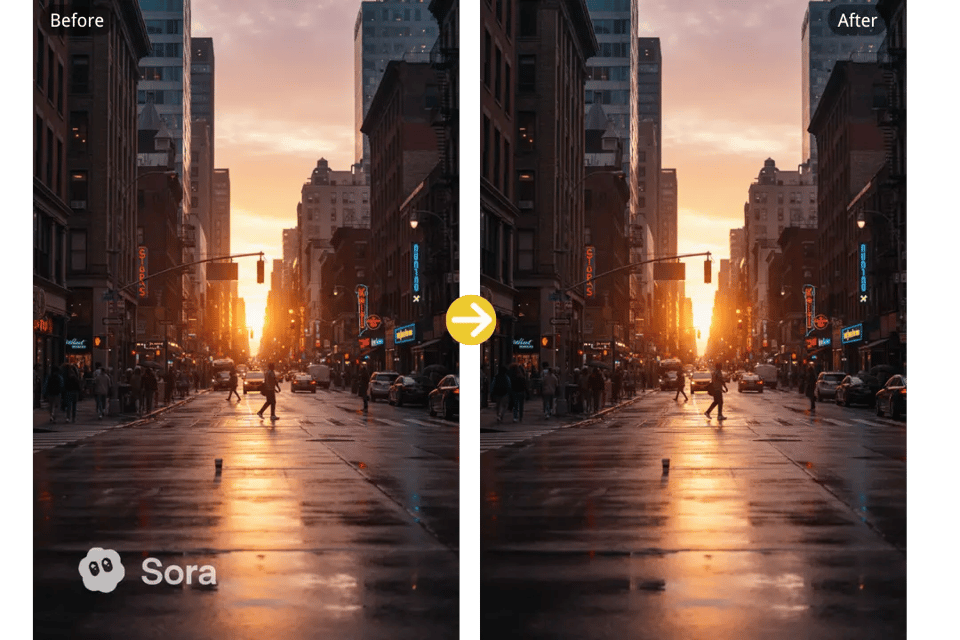
Once processing is complete (typically 3-5 minutes for a 5-minute video), you can:
- Download your watermark-free video
- Use it for commercial projects
- Share on social media
- Include in client deliverables
Key Benefits of Free Online Tools
No Quality Loss
Unlike manual editing or cheap software, professional online tools use AI to ensure:
- Original video quality is preserved
- No blur or pixelation
- Seamless background filling
- Natural-looking results
No Technical Skills Required
You don't need to:
- Learn video editing software
- Write Python code
- Understand complex settings
- Have any technical background
Just upload, process, and download.
Completely Free
No hidden costs:
- No credit card required
- No subscription fees
- No trial limitations
- Free for personal and commercial use
Safe and Secure
Reputable online tools ensure:
- Encrypted video processing
- Automatic deletion after 24 hours
- No permanent storage of your content
- No sharing with third parties
Best Practices for Sora Watermark Removal
1. Check Video Quality First
Before uploading, ensure your Sora video is:
- In the highest resolution available
- Properly exported from Sora
- Not already compressed multiple times
2. Use Supported Formats
Stick to common formats for best results:
- Recommended: MP4 (H.264 codec)
- Also supported: WebM, MOV, AVI
- Avoid: Rare or proprietary formats
3. Consider Batch Processing
If you have multiple videos:
- Use tools that support batch processing
- Process similar videos together
- Save time on large projects
4. Respect Usage Rights
Remember to:
- Follow OpenAI's Sora usage terms
- Respect copyright and licensing
- Use removed watermarks responsibly
- Credit AI generation when appropriate
Common Questions About Sora Watermark Removal
Is it legal to remove Sora watermarks?
Removing watermarks from content you created with Sora is generally acceptable for personal and commercial use, but always check OpenAI's current terms of service.
Will removing the watermark affect video quality?
Professional AI-powered tools preserve original quality. Avoid manual editing methods that can introduce blur or artifacts.
How long does the process take?
Typically 3-5 minutes for a 5-minute 1080p video. Longer videos or higher resolutions may take more time.
Can I remove watermarks from images too?
Yes! Our online tool supports both Sora videos and images, using the same AI technology. Check out our homepage for more information about image watermark removal.
Do I need to download software?
No. The best tools work entirely in your browser with no downloads, installations, or plugins required.
Alternative Methods (For Reference)
While we recommend free online tools, here are other methods for comparison:
Adobe Premiere Pro
- Cost: $22.99/month
- Difficulty: High learning curve
- Time: Manual frame-by-frame editing
- Quality: Depends on skill level
Python Scripts (GitHub)
- Cost: Free
- Difficulty: Requires coding knowledge
- Time: Setup and configuration needed
- Quality: Varies by script
Desktop Software
- Cost: Varies ($0-$100+)
- Difficulty: Medium
- Time: Download and installation required
- Quality: Often introduces artifacts
Conclusion
Removing Sora watermarks doesn't have to be complicated or expensive. Free online tools provide the perfect solution for creators who want:
- Professional, clean results
- No technical complexity
- Zero cost
- Fast processing
Whether you're creating content for YouTube, client projects, or social media, removing the "Made with Sora" watermark is now easier than ever. No Adobe subscription, no downloads, no coding - just upload, process, and download your clean, professional video.
Ready to remove Sora watermarks from your videos? Try our free online tool and get commercial-ready content in seconds. Check out our pricing plans for unlimited access, or read more tutorials and guides to maximize your results.